How to create a wallet in Exceefy
Discover the simple steps to create and personalize your first crypto wallet in Exceefy.
There are several ways to create a portfolio according to your situation
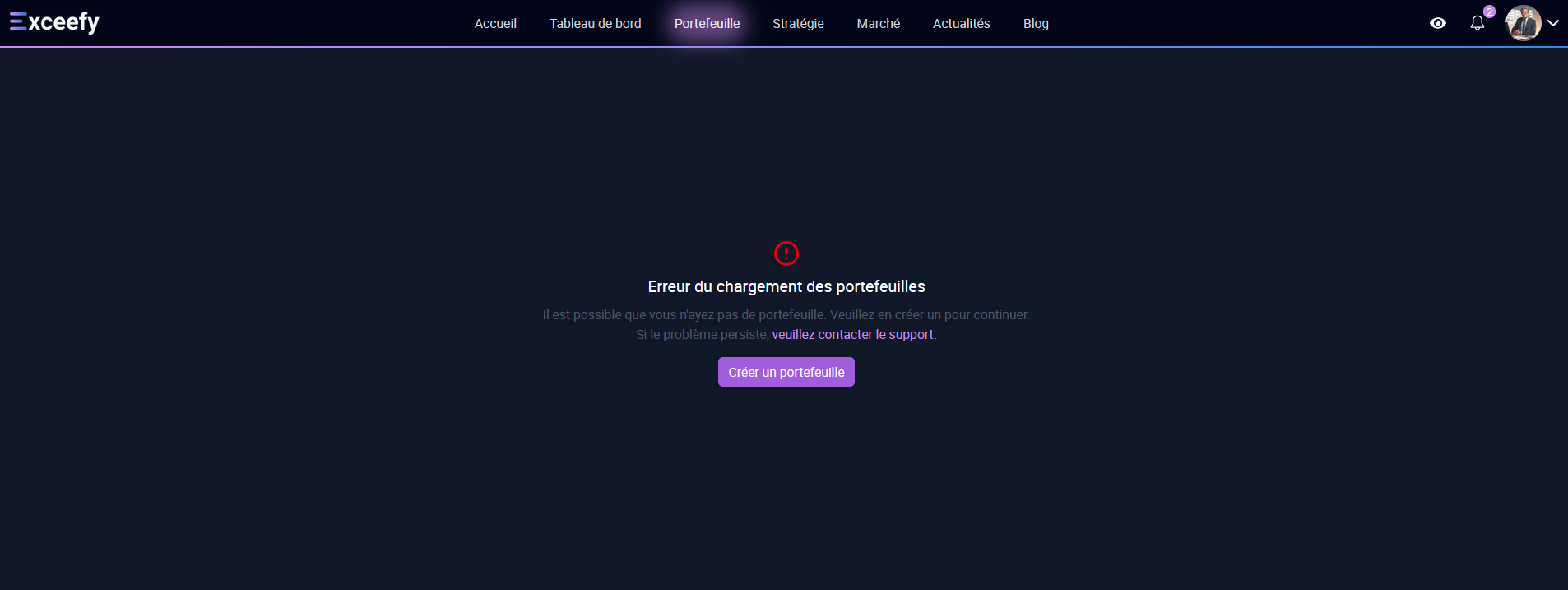
First creation (if you have no portfolio yet)
Visit the page WORK
Click the Create a wallet
Fill in mandatory information:
Portfolio name*
Color*
Tags (optional)
Platform (Optional)
Validate: your first wallet is ready

If you already have a portfolio
Go to the page Wallet
Click on the name of your wallet
A drop -down menu appears
Click Create a portfolio
Fill the information and validate
 

From your profile settings
Click on your profile photo
Open the section Settings → Wallet
Click Create a portfolio
Fill the information as before
 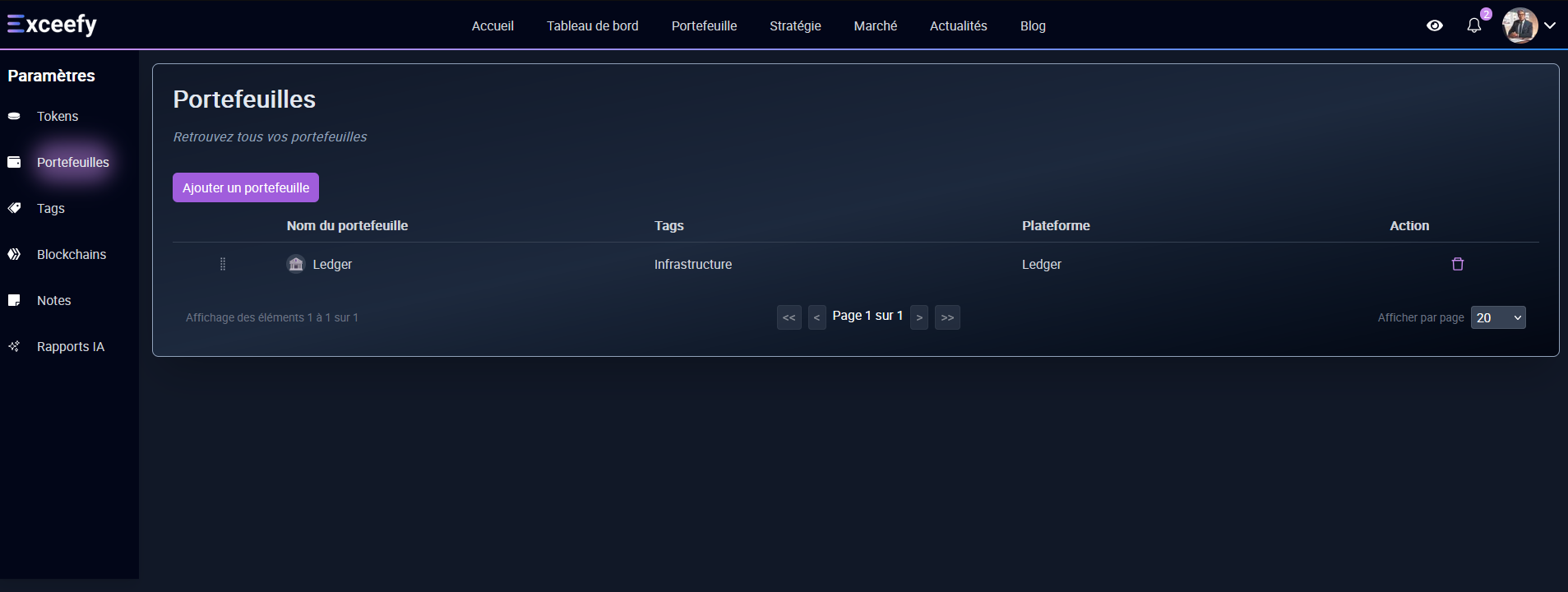

💡Tip: In real life, there are often several wallets. Example: a portfolio Binance for your cryptos on Exchange, a portfolio Ledger for secure storage, and a portfolio Metamask for your DEFI transactions.In Exceefy, create a wallet for everyone in order to better separate your strategies and follow your assets more easily.